
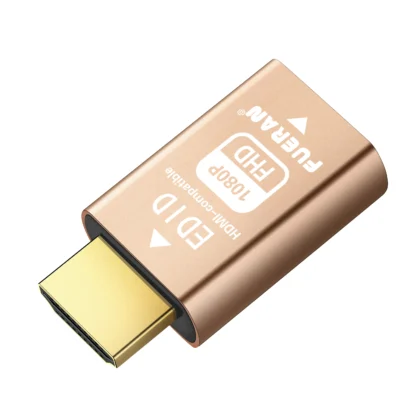
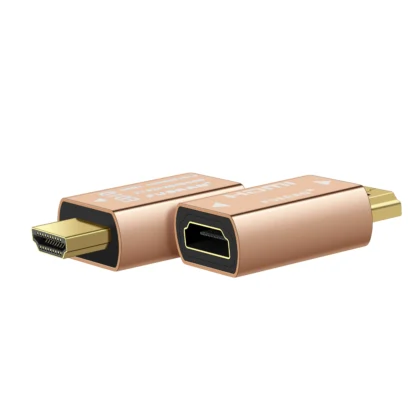
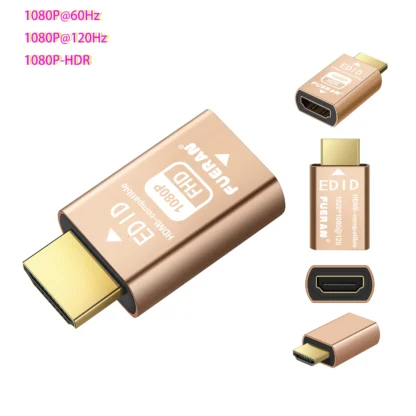
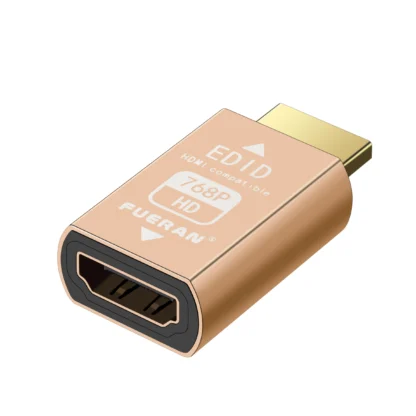
Description
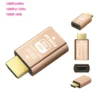
Here is an introduction to each resolution: Why is there only one resolution? It is a compatibility issue. If you purchase a regular resolution, you need to choose the resolution again every time you start the device. Therefore, with only one resolution, you can directly insert it and only recognize one resolution. So, it depends on your own needs to choose. Thank you.
4k(3840 x2160@60hz)
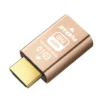
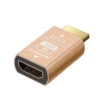
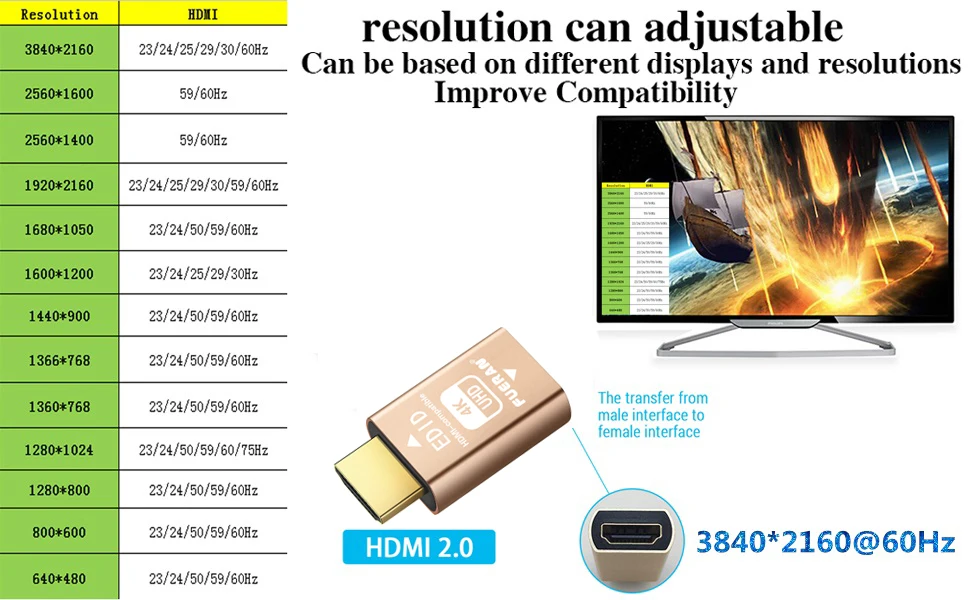
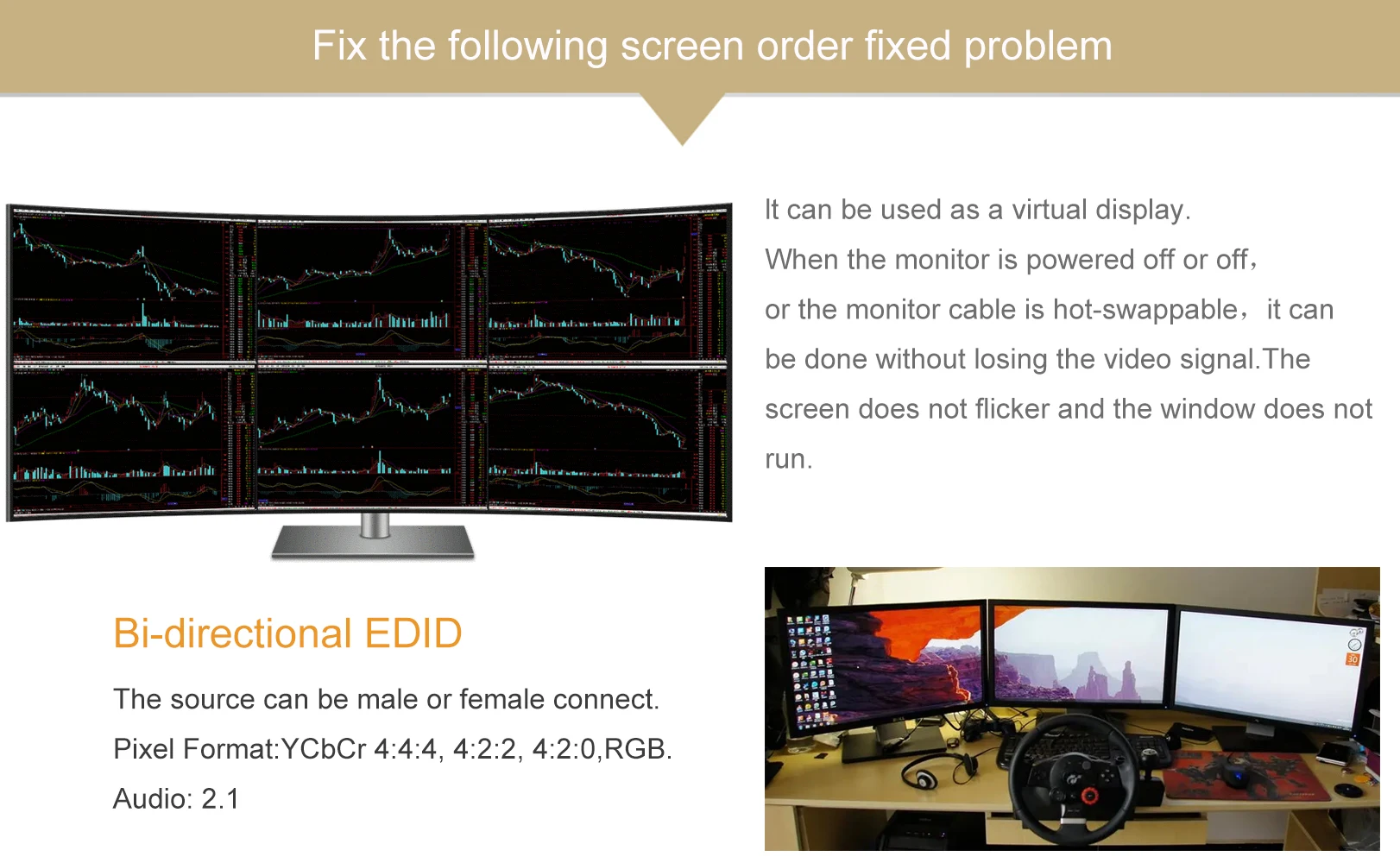
Bi-directional EDID emulator: address communication issues between an HDMI video source and a display. By copying or ghosting an EDID, the emulator can relay information from the display to the computer.Our HDMI EDID Emulator offers exceptional versatility, supporting various pixel formats (YCbCr 4:4:4, 4:2:2, 4:2:0, RGB) and 2.1 Ch Audio. The default resolution:1920*1080@60Hz,The resolution range:800*600@60Hz~
3840×2160@60Hz.
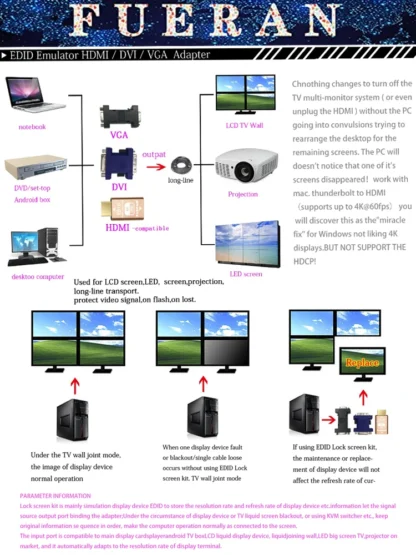
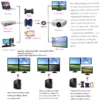
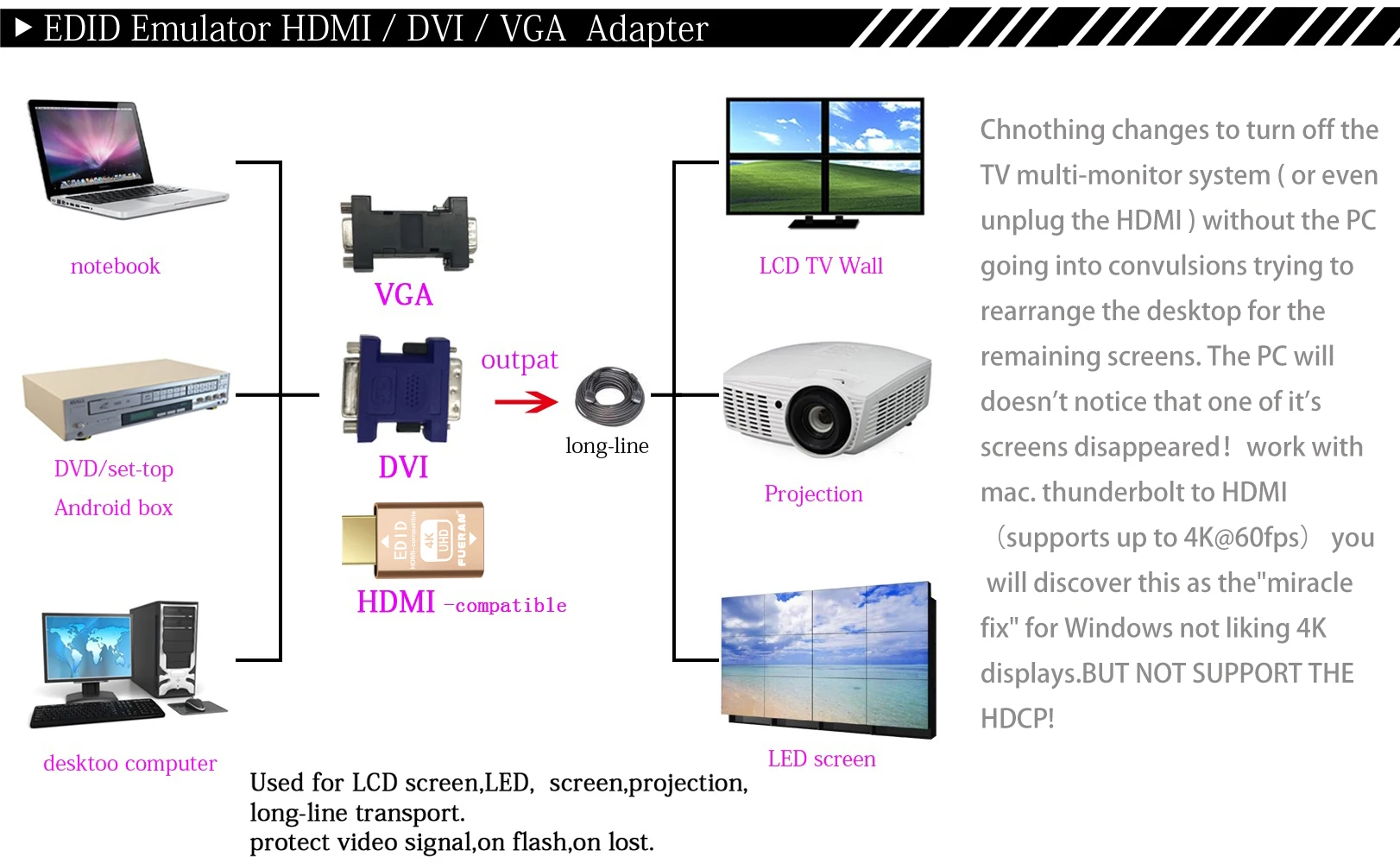
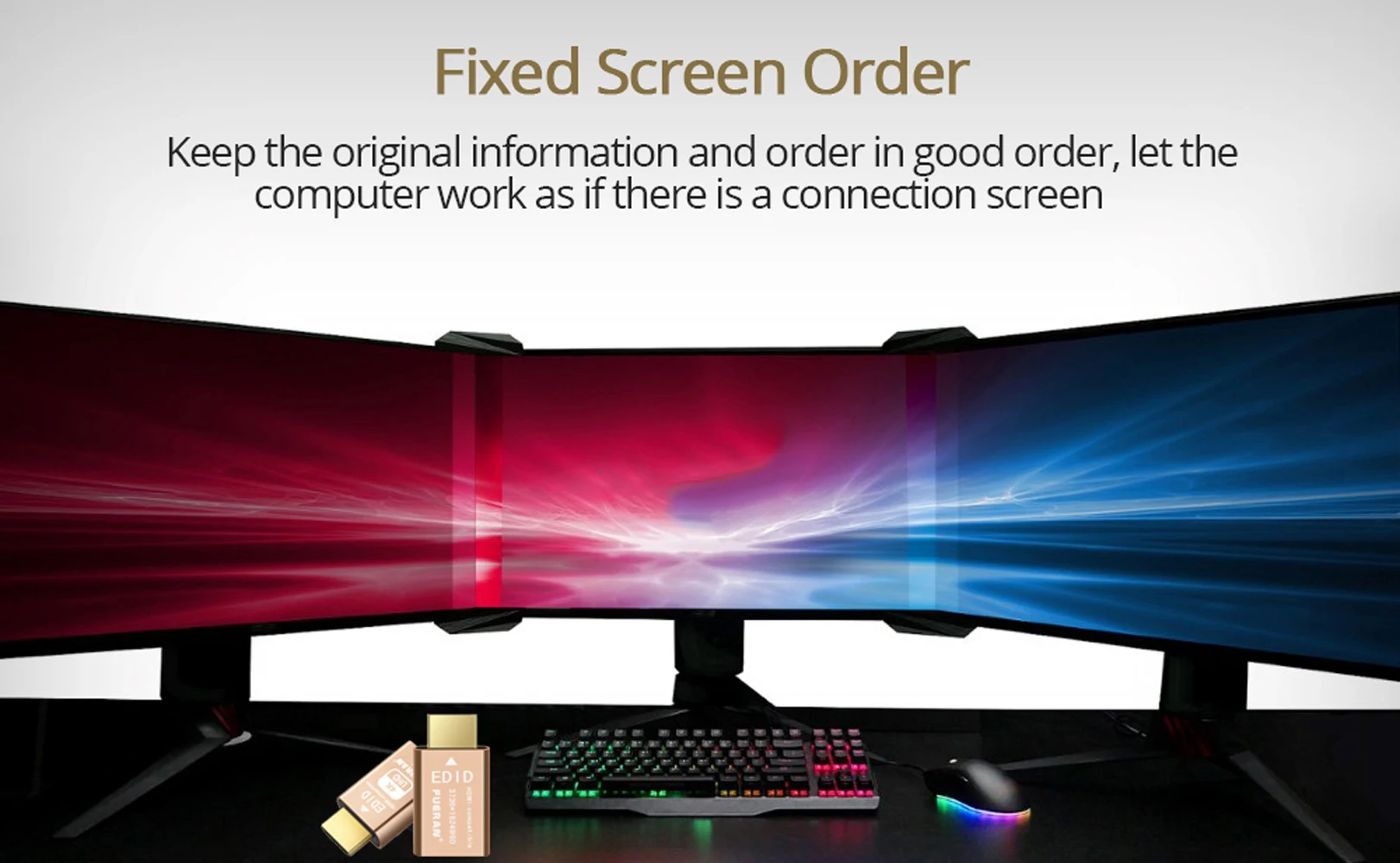
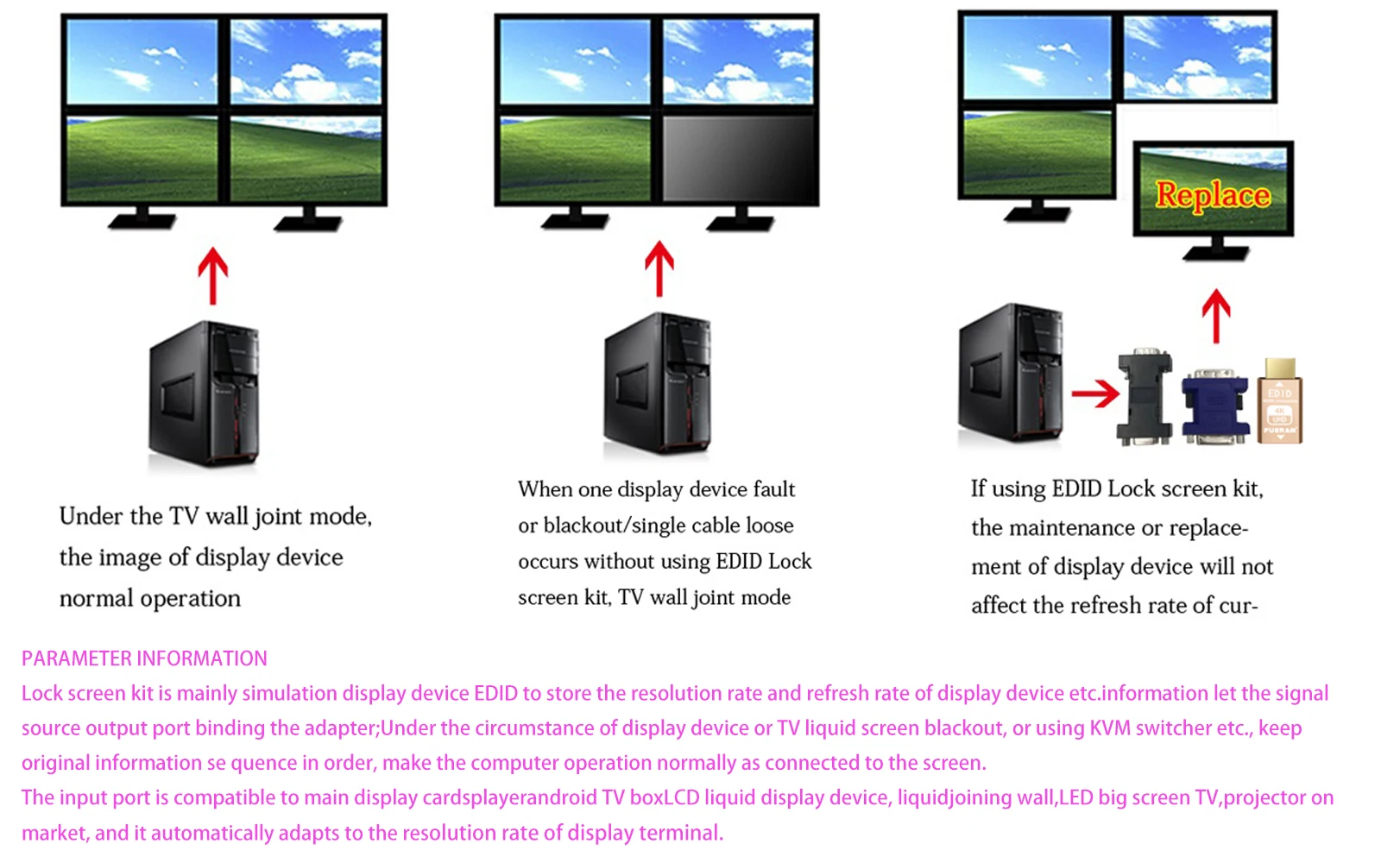
HDMI Edid Emulator Perfect Matching Synchronous:Our advanced technology guarantees flawless synchronization, keeping your displays and PC in perfect "sync" all the time, EDID emulator solve a "loss of sync" issue with multiple displays. Enjoy uninterrupted visuals without,No more desktop re-arranging each time you power on or off a TV.Insert EDID、 turn off the TV or even unplug the HDMI and your PC won’t skip a beat!
Unparalleled Video Quality: Immerse yourself in stunning visuals with our HDMI EDID Emulator. It supports an array of modes, ranging from typical 4K (3840×2160) to true 4K (4096×2160), with refresh rates from 23Hz to 60Hz. Experience unparalleled video quality every time.
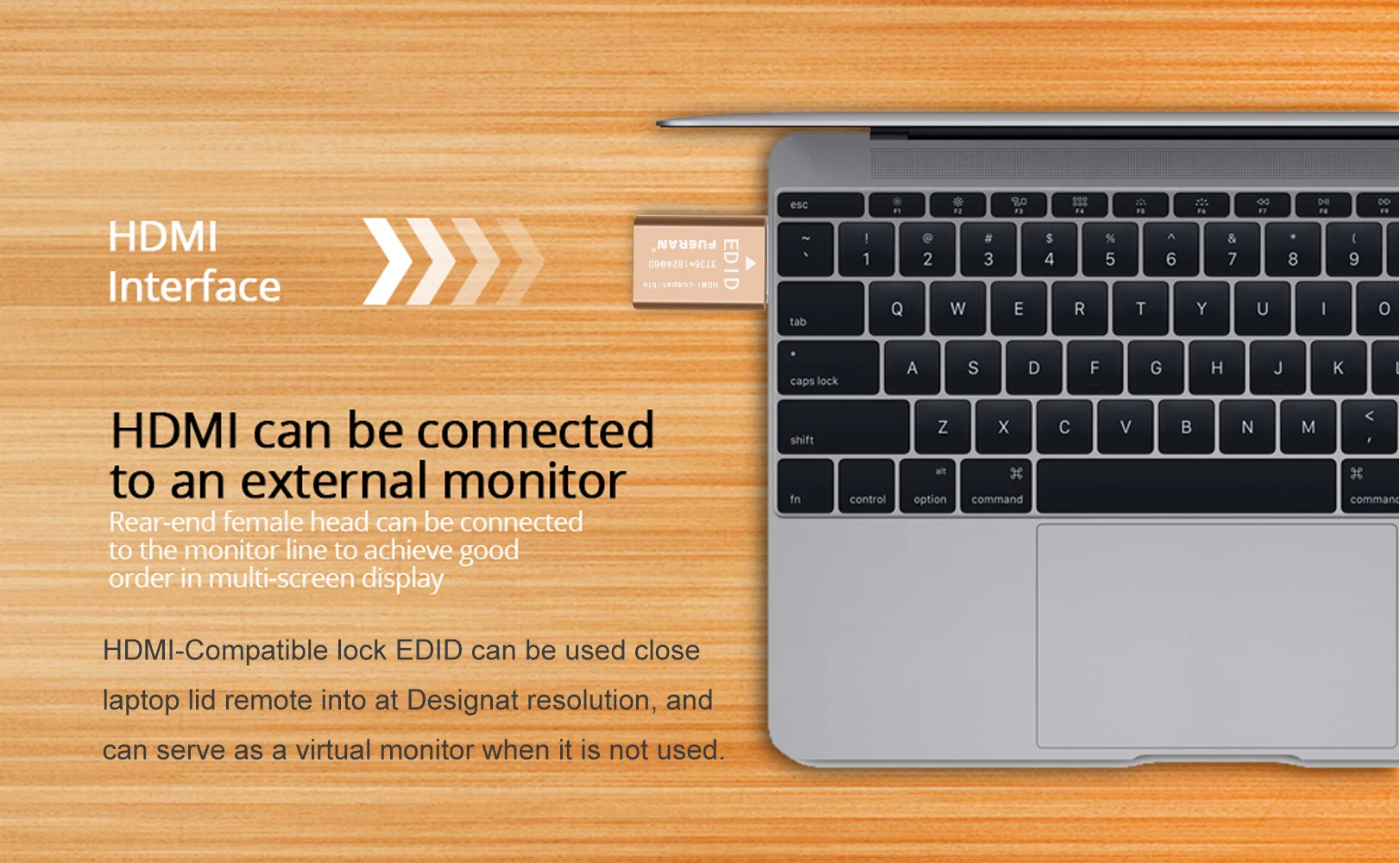
Virtual Monitor Functionality: Our HDMI-Compatible EDID works as a virtual monitor when not in use. Simply close your laptop lid and resume work at your preferred resolution. Enjoy the convenience of designated.
Resolution required for various splicing: default resolution including 1024×768@60Hz, 1280×720@60Hz,1280×800@60Hz, 1920×1080@60Hz, 1920×1200@60Hz, and 3840×2160@60Hz. Please note that you must select the resolution supported by your device. Resolutions that are not supported by your device will not be displayed.Benefit from 24-hour tech maintenance consultation, 2-month unconditional replacement for quality issues, and a 1-month full refund service.
How to Fix PS5 120Hz Not Showing with EDID Emulator?
4K-1P (3840×2160@60hz) Support Fix PS5 120Hz Not Showing with problem
Step1:Select Performance Mode&Disable HDCP.
Step2:Rest on Resolution option.Plug the Edid emulator to PS5.If the screen is black,press X—-press down(or up)—-press X.This is a blind operation to adjust the resolution to 1080P.done.
.
Perfect match multimedia setup that requires keeping display in "sync" all the time, EDID emulator solve a "loss of sync" issue with multiple displays. No more desktop re-arranging each time you power on or off a TV, displays can plugged into a full size DisplayPort to HDMI-Compatible adapter and this adapter works flawlessly.nothing changes to turn off the TV multi-monitor system ( or even unplugin ) without the PC going into convulsions trying to rearrange the desktop for the remaining screens. The PC will doesn't notice that one of it's screens disappeared!work with mac.
.
 .
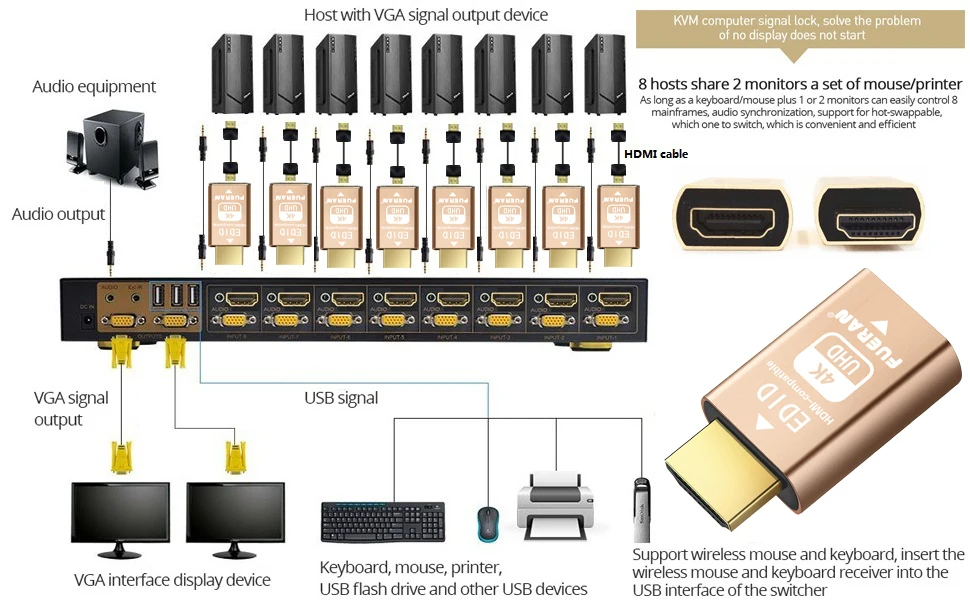
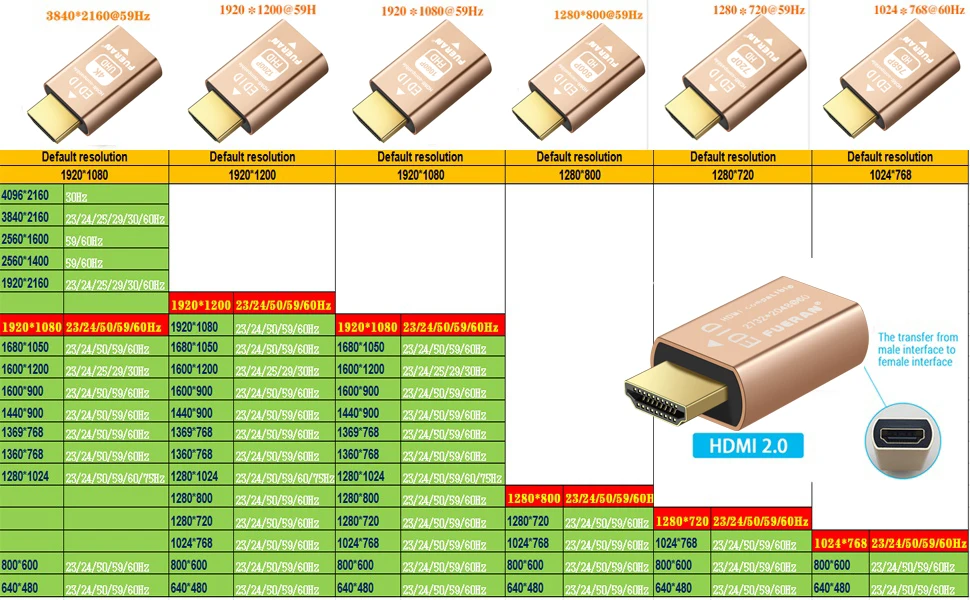
The red box in the above image represents the default resolution, while others are optional resolutions. Please note that if the resolution is not displayed, it means that your device does not support or is not compatible with this resolution.
More port options
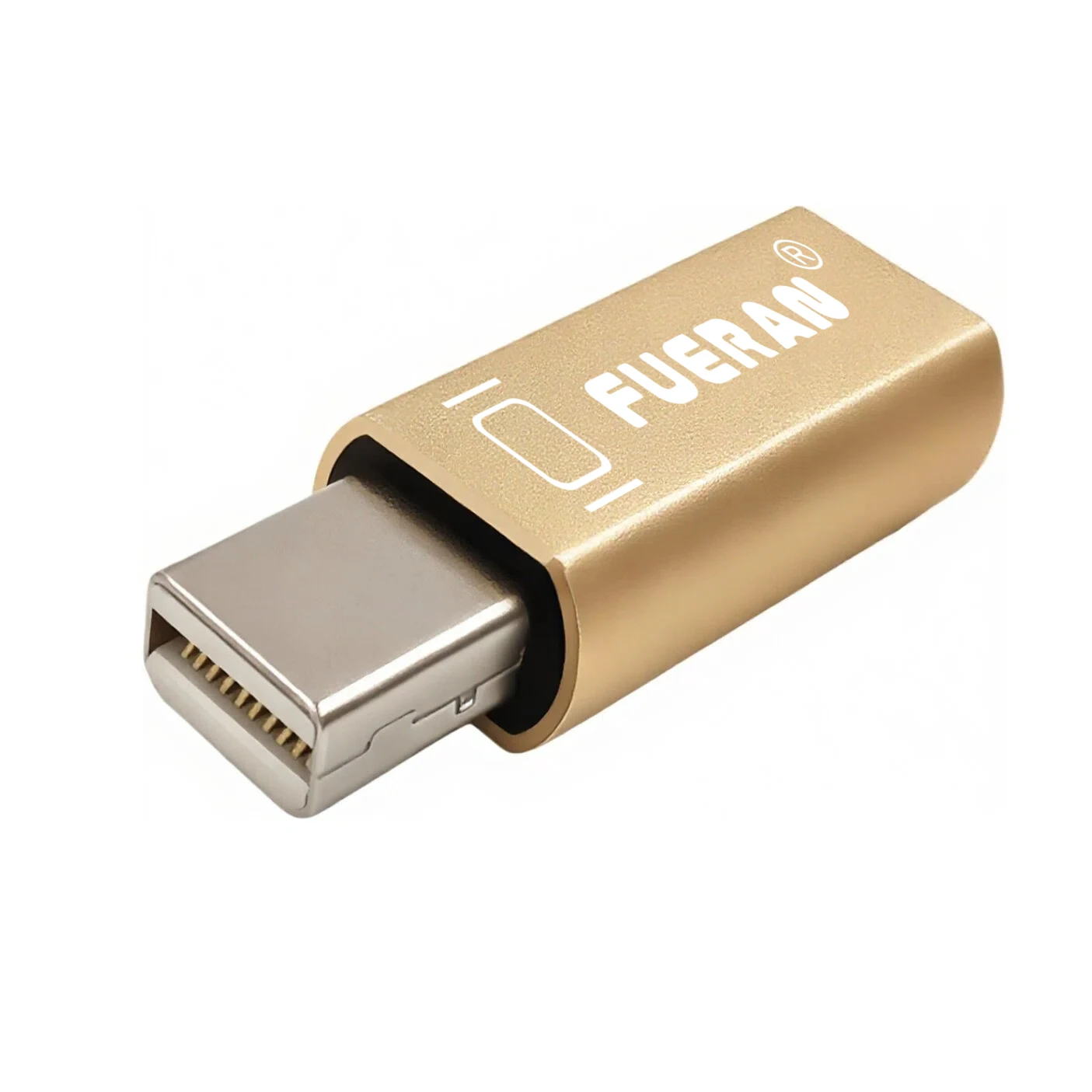


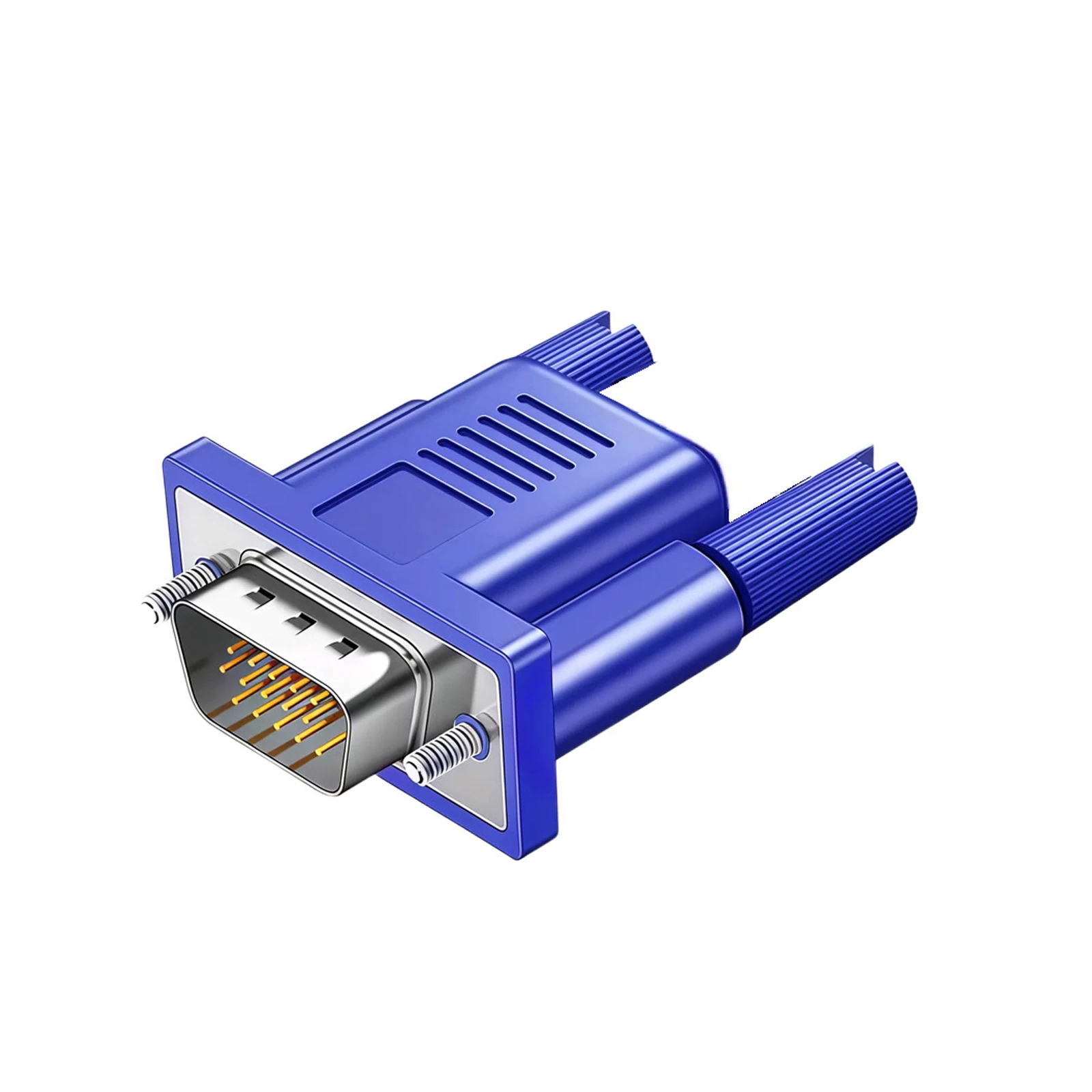
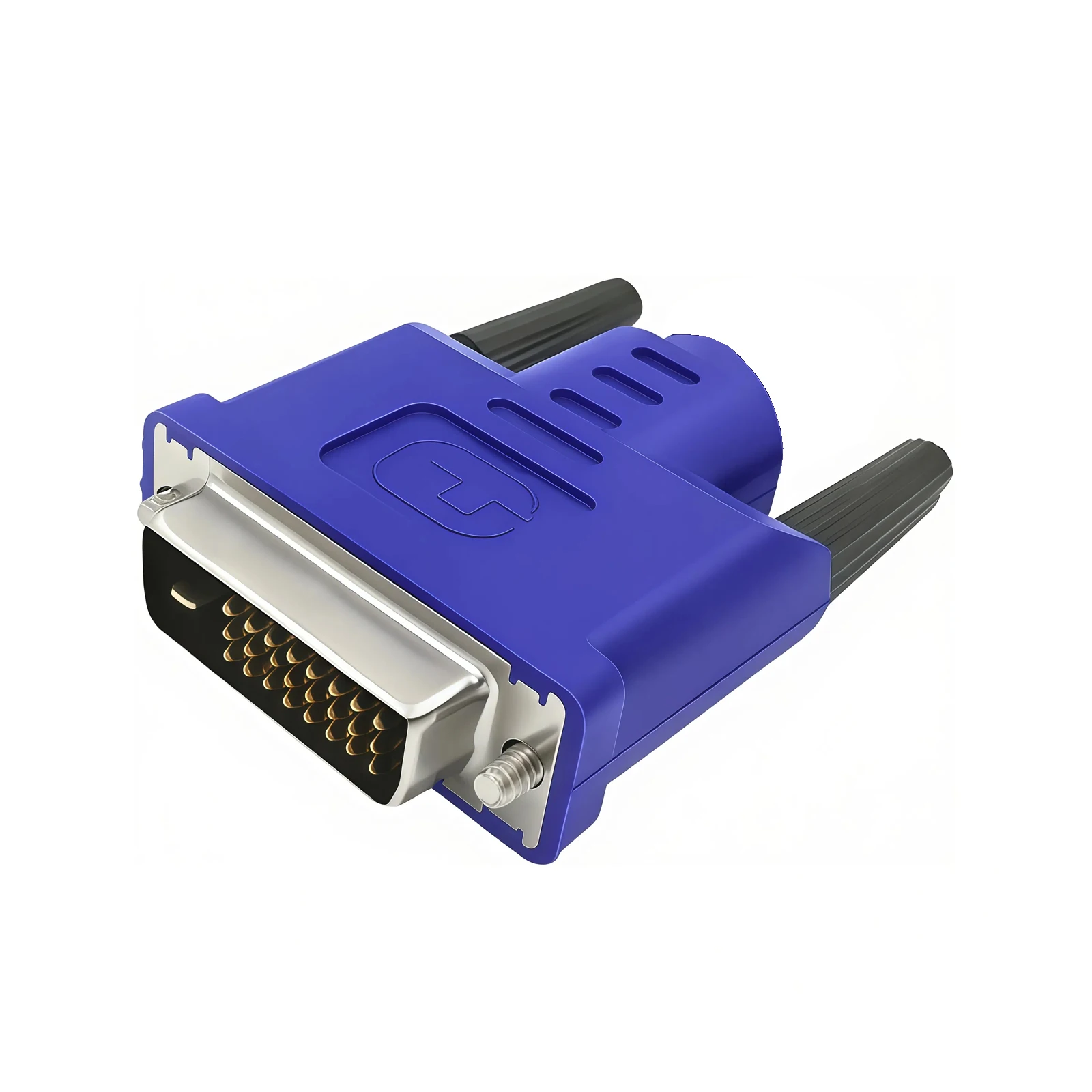
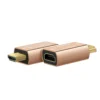
mini DP-Display Port———— DP 2K-Display Port ———— DP 4K-Display Port———— VGA 4K-Display Port ————DVI 4K-Display Port

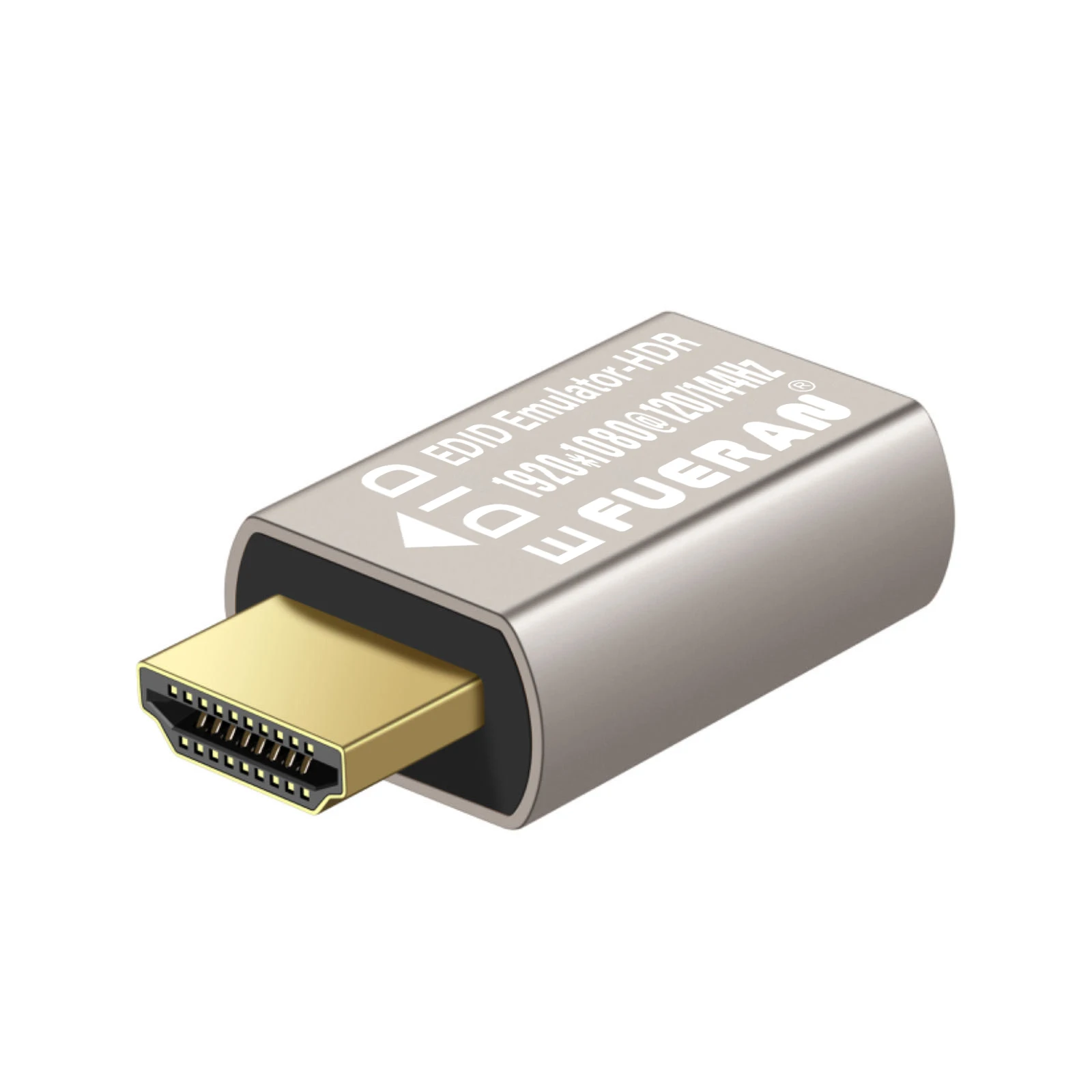
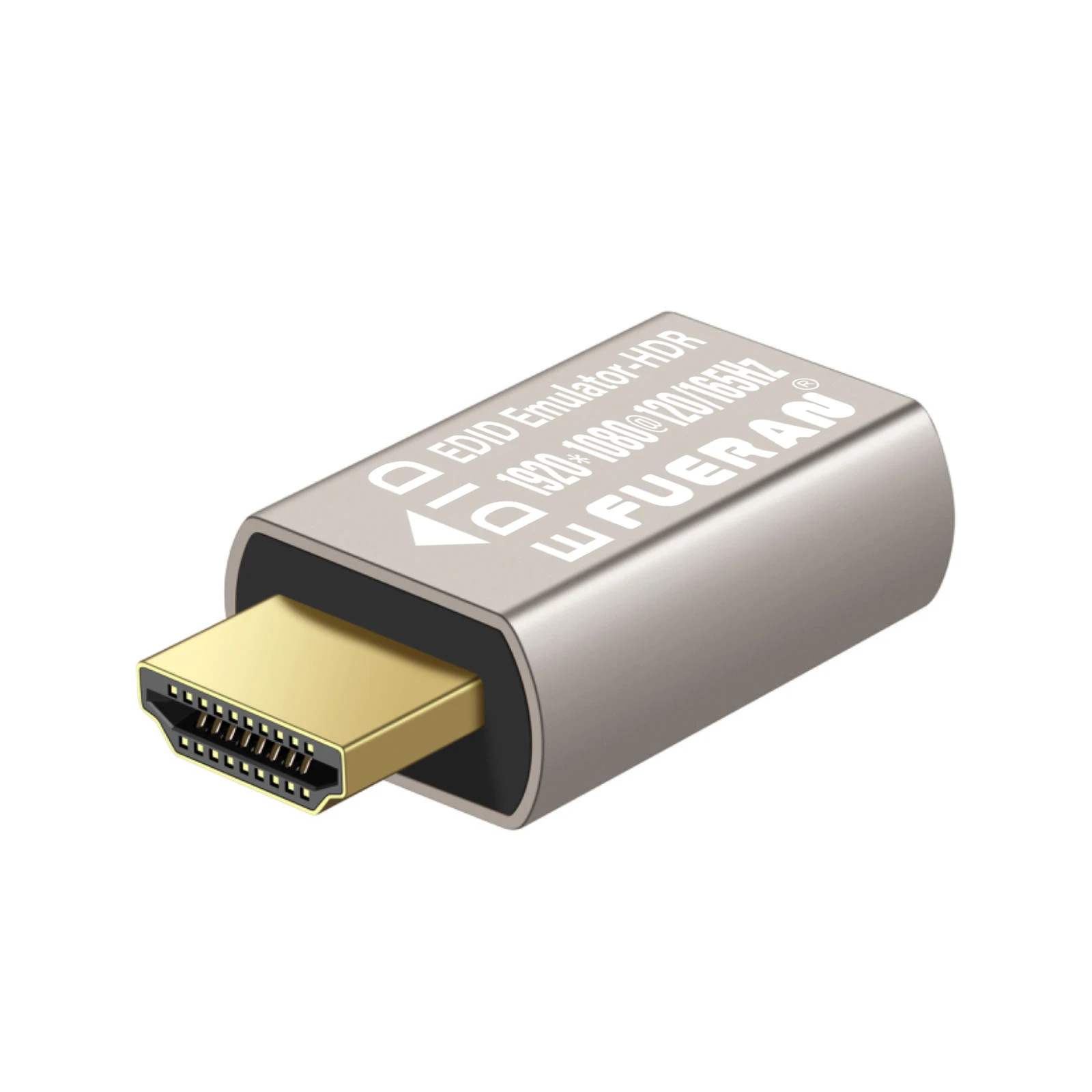
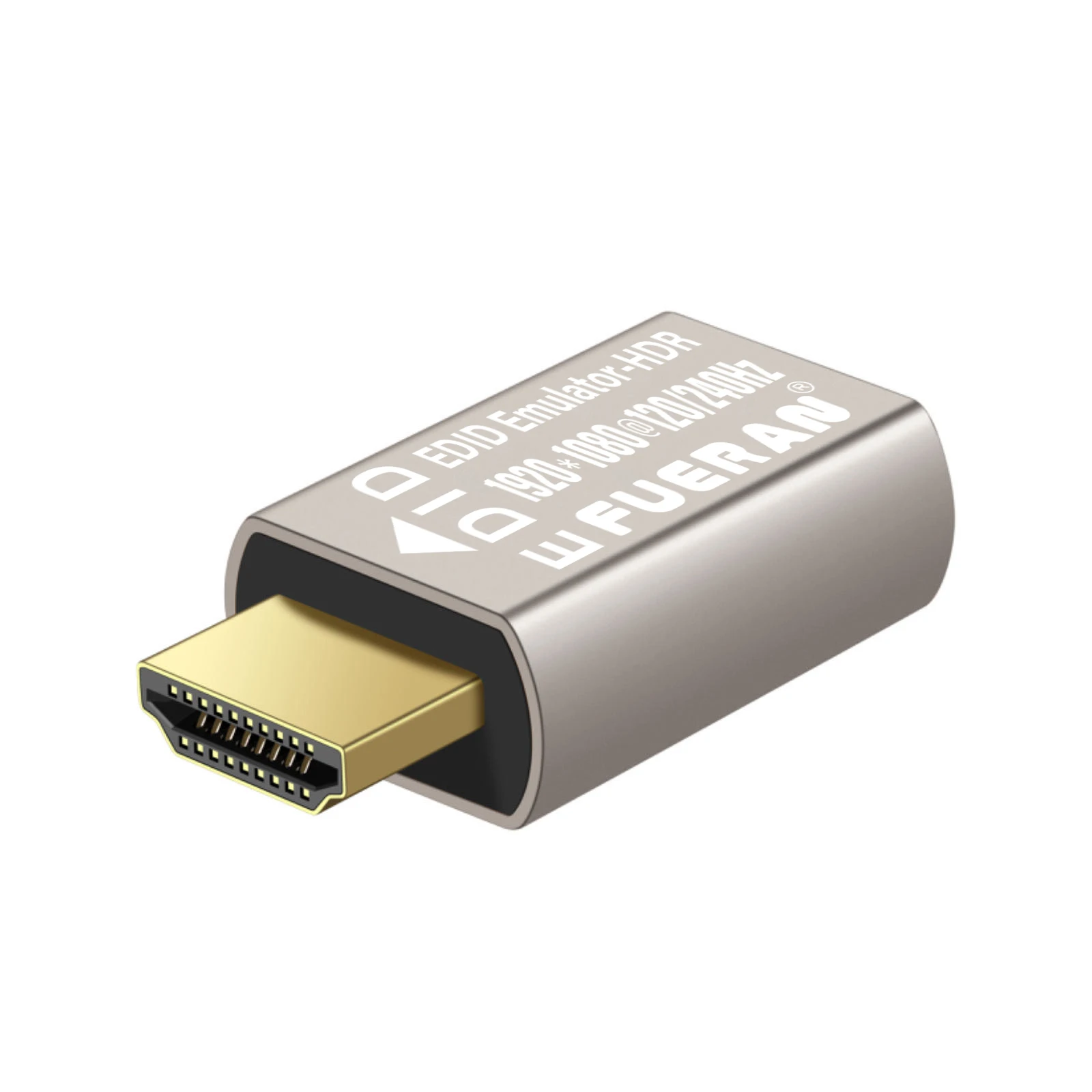
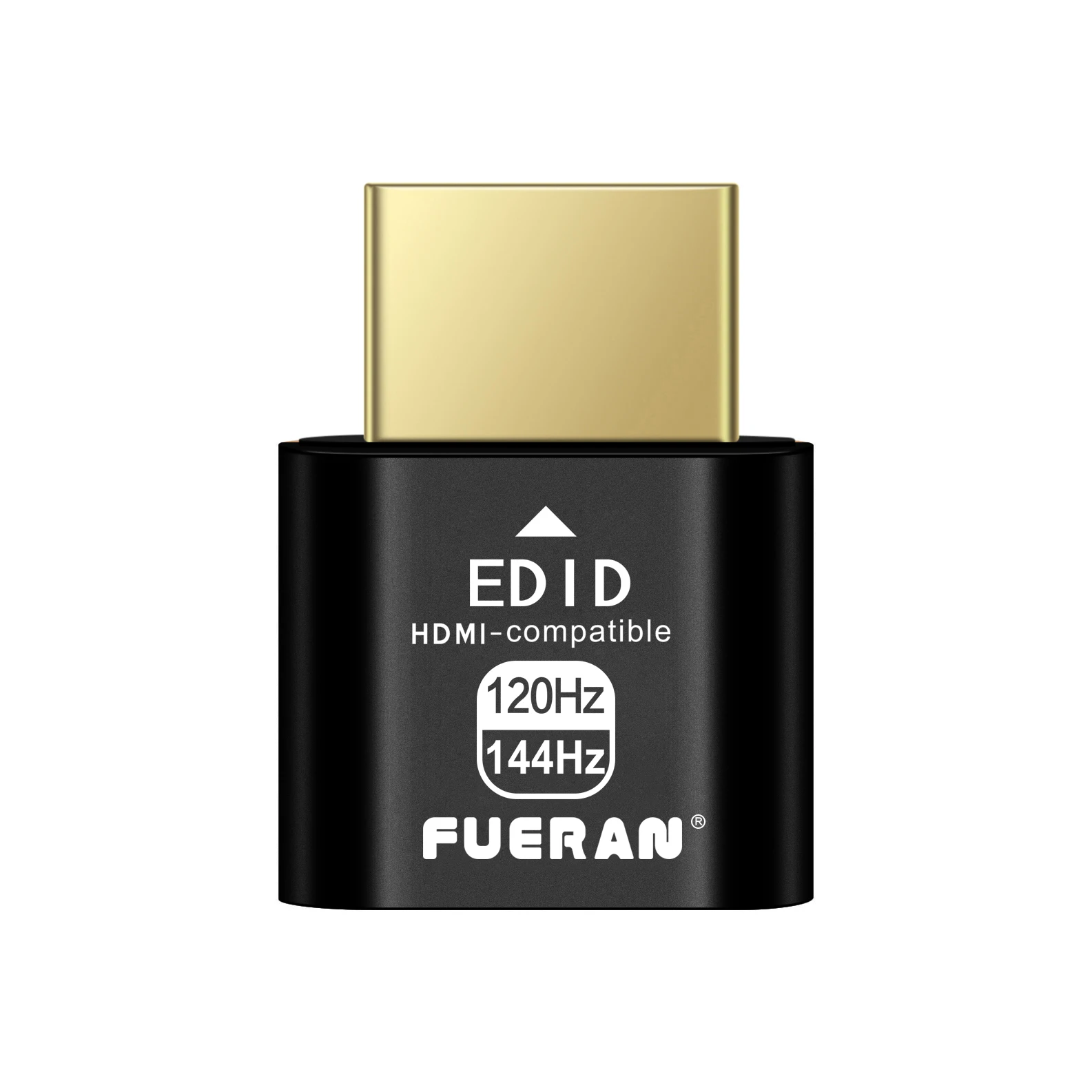
HDMI 1920X1080@60Hz—1920X1080@120/144Hz 1920X1080@120/165Hz 1920X1080@120/240Hz 2560X1440@120/144Hz
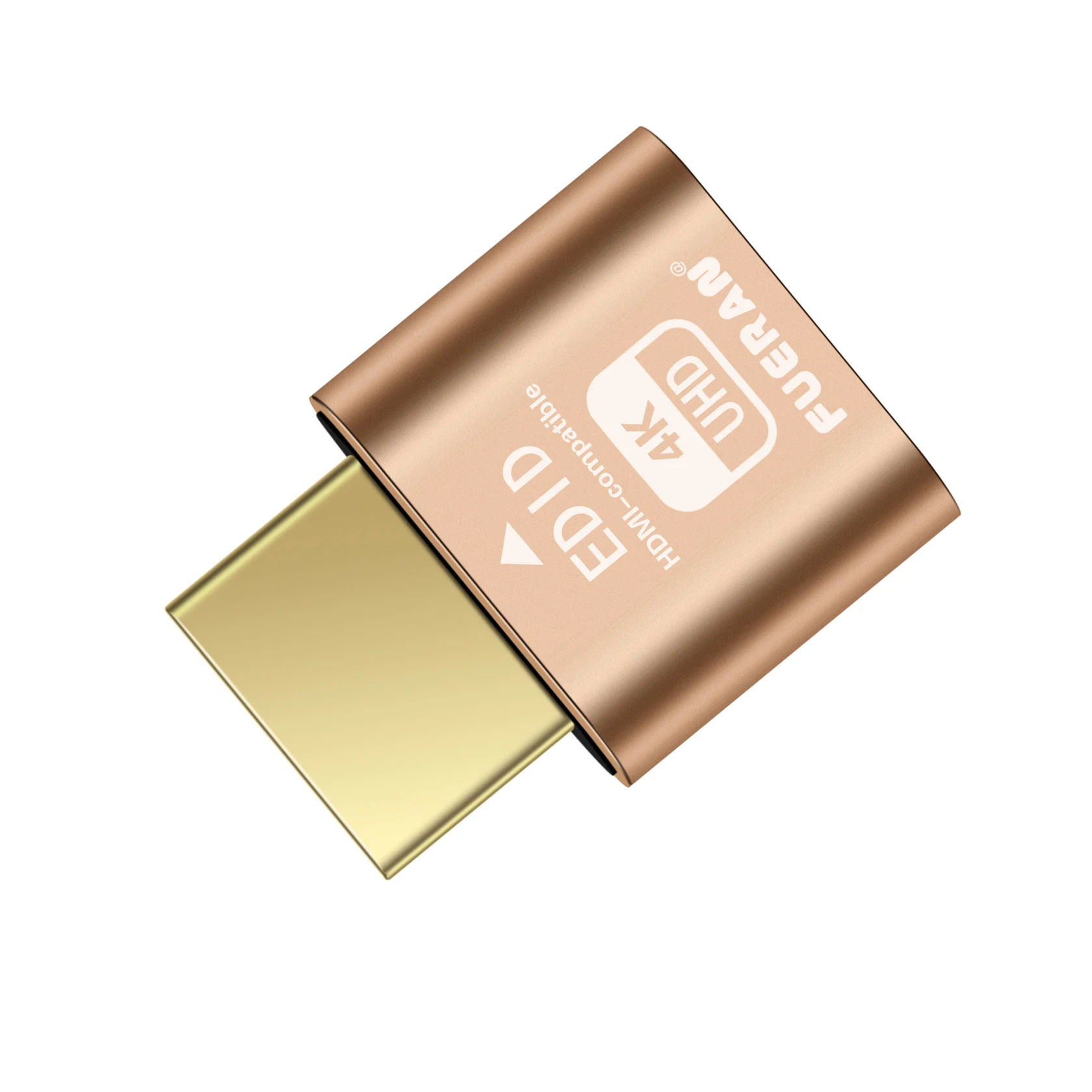
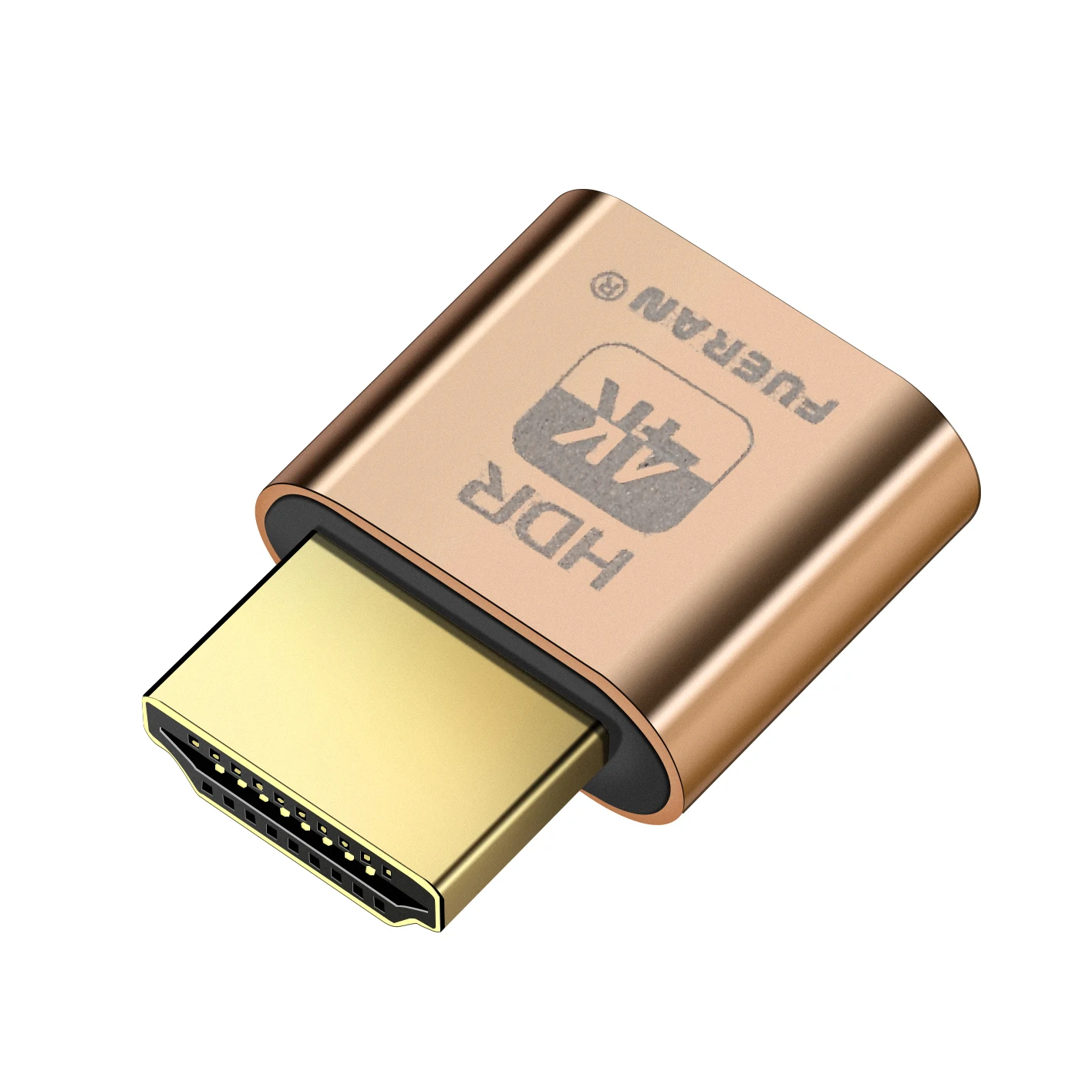
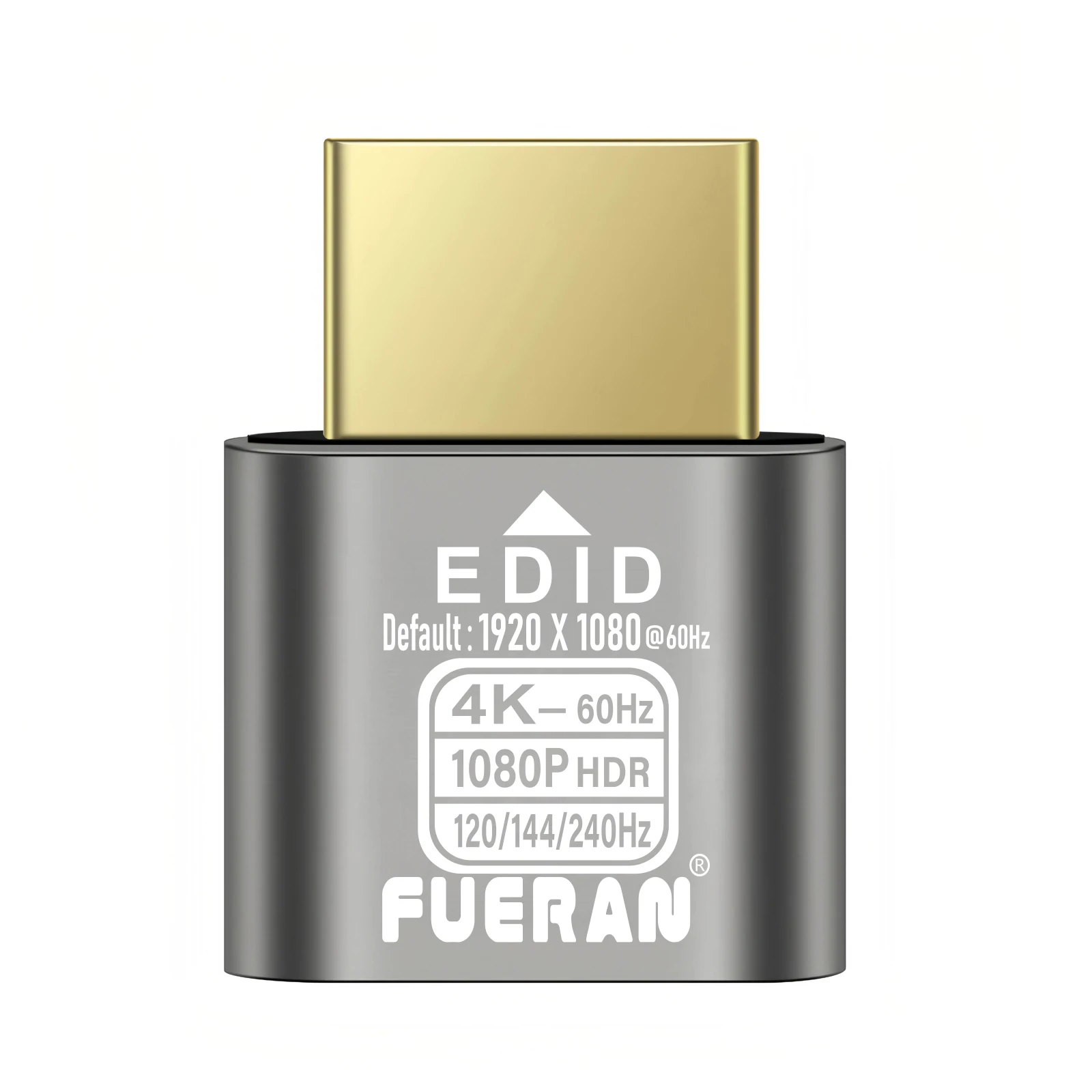
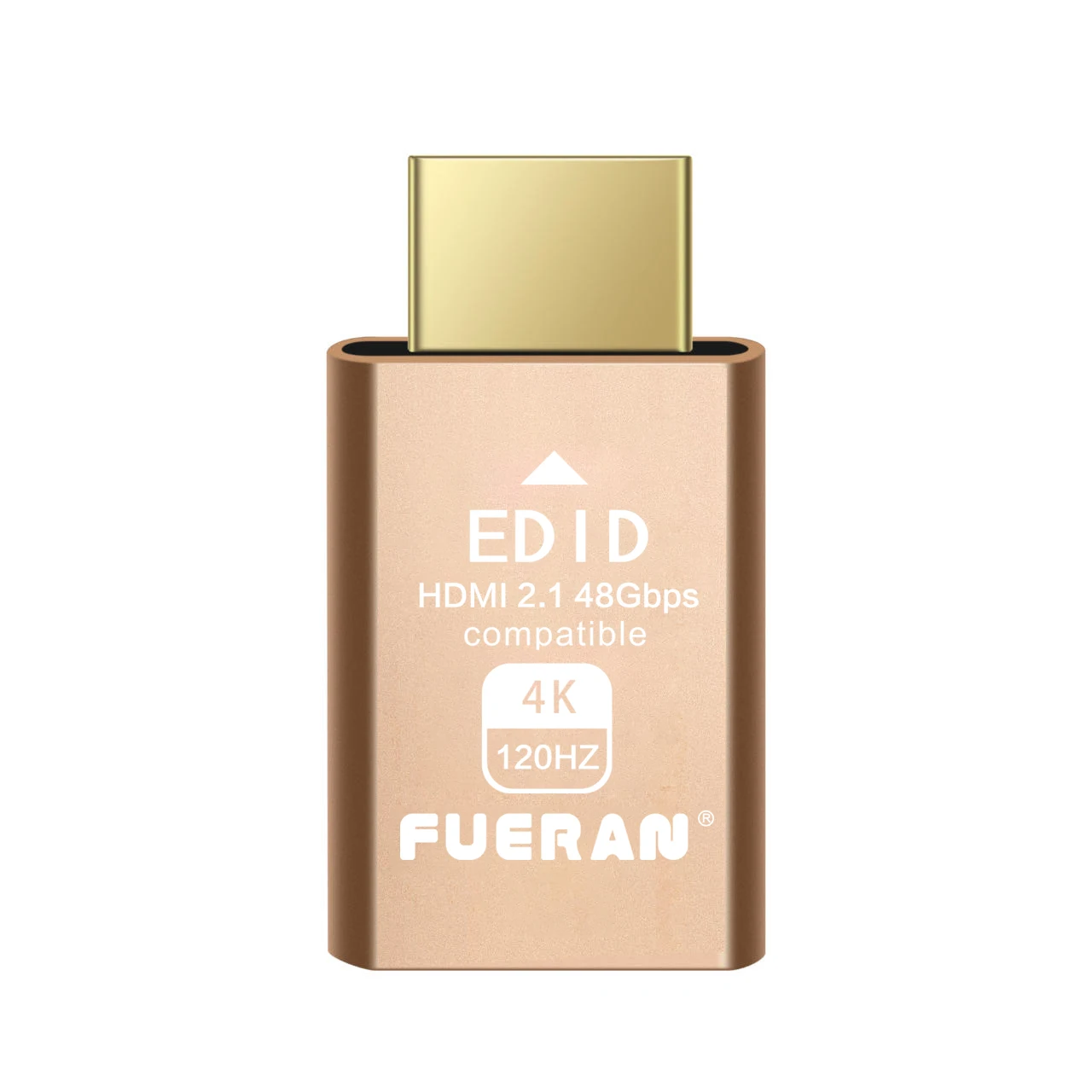

HDMI 4K60Hz-1080P120Hz 4K60Hz-1080P120Hz-HDR4K60Hz-1080P240Hz-HDRHDMI 2.1 4K120HzHDMI 2.1 8K30Hz-4K120Hz
.
HDMI EDID Emulator Adapter:
4K Passthrough, Plug & Play, Compatible with Mac, Thunderbolt to HDMI, Switches, AV Receivers, Exte
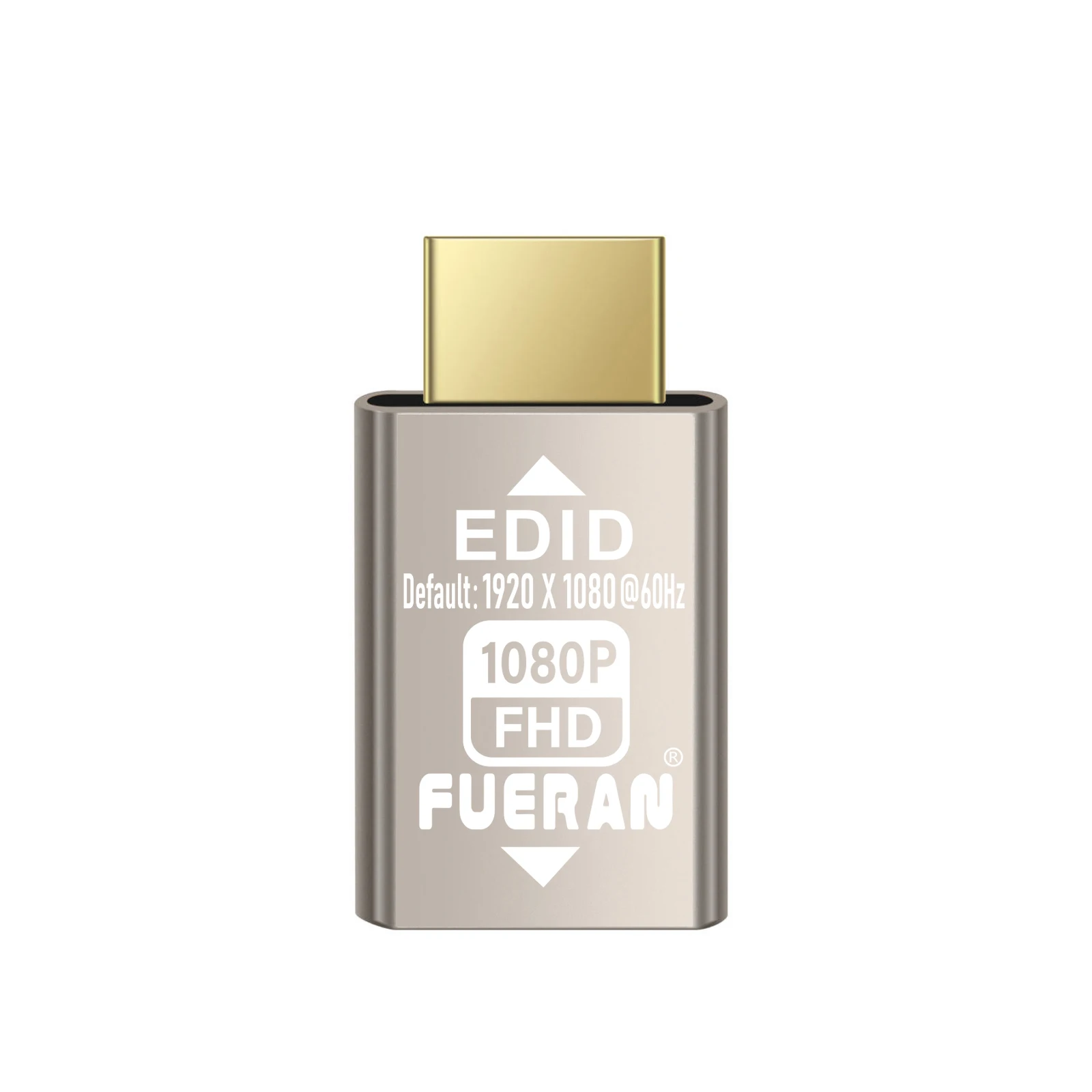
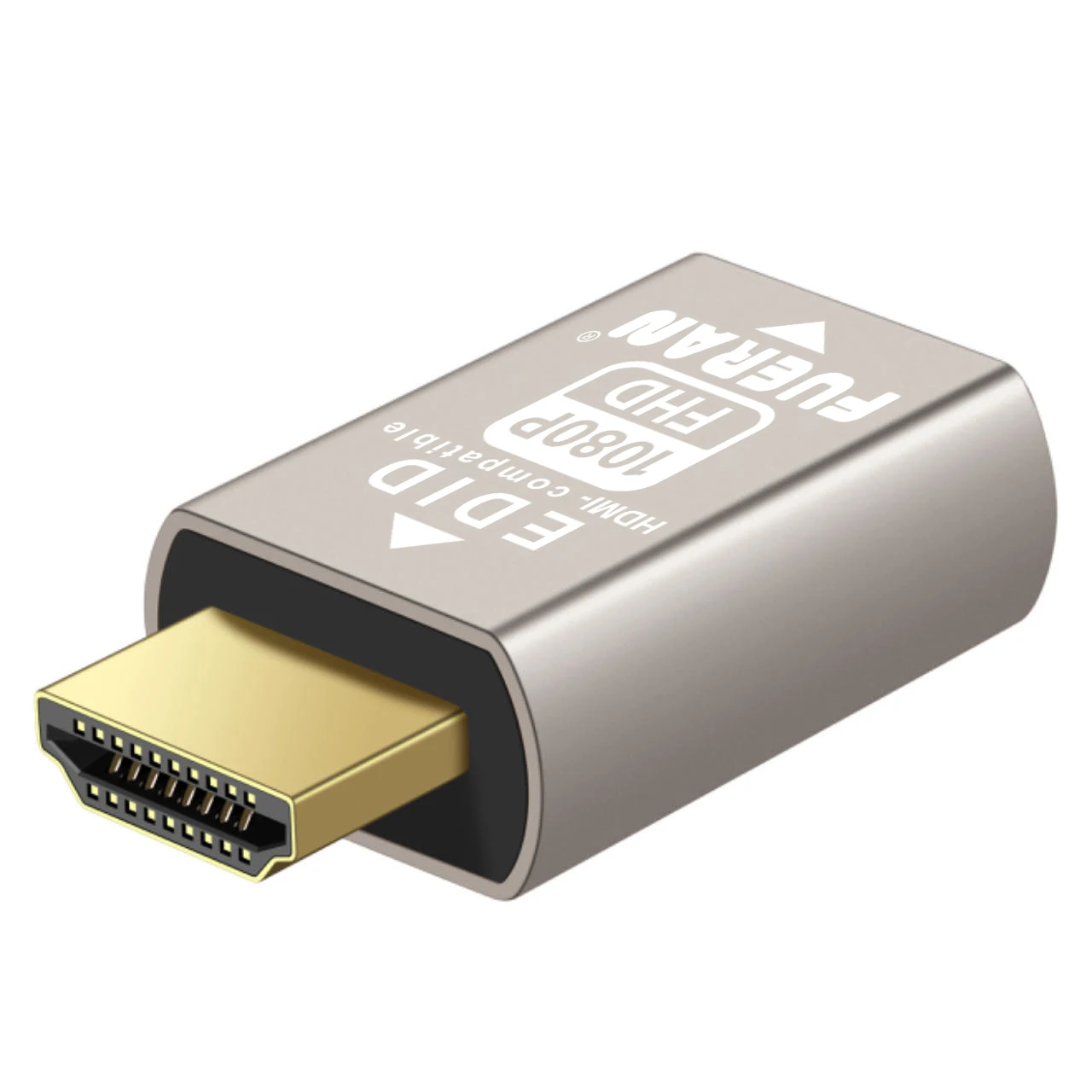
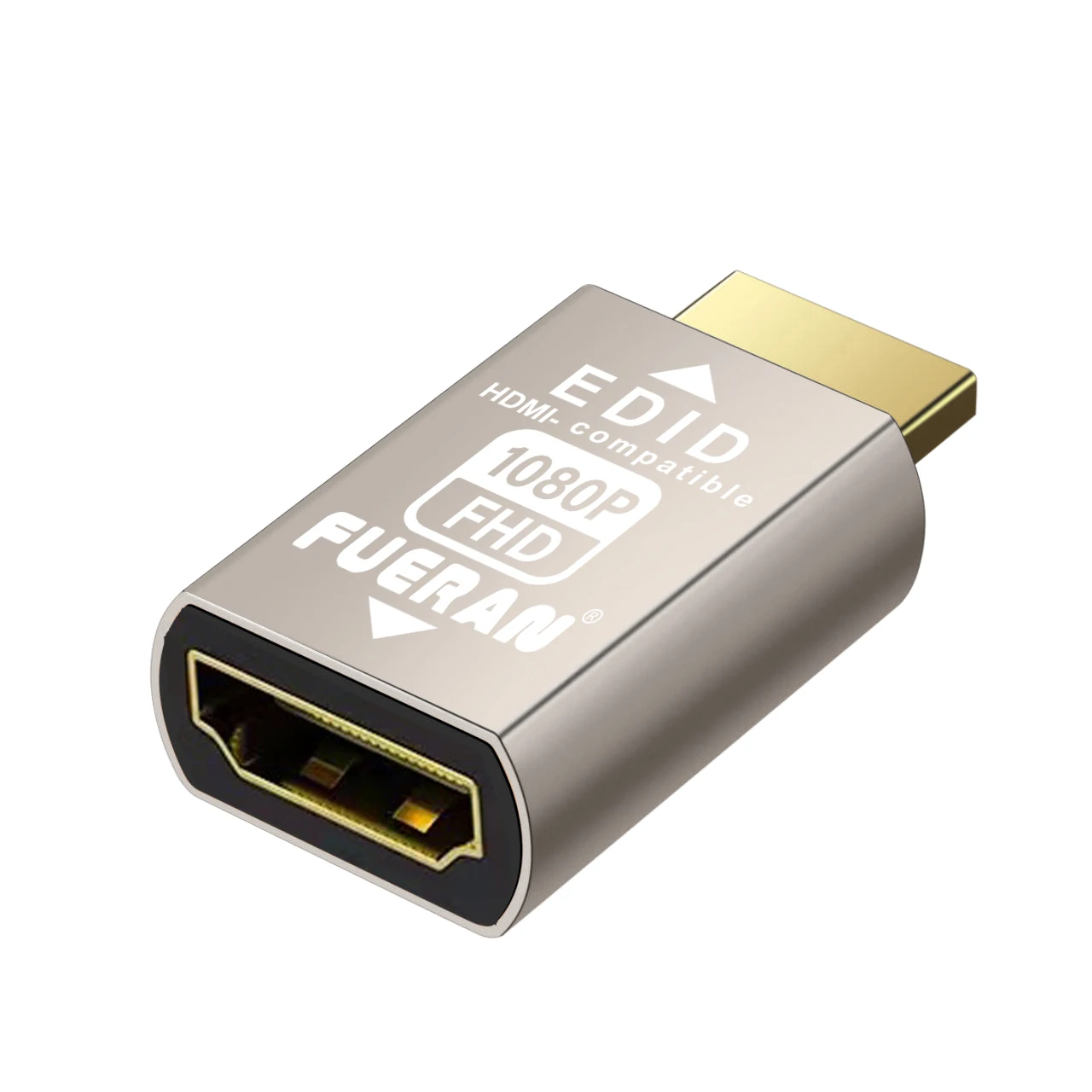
More resolution options:
3840X2160@120Hz-HDR—
2560X1600@120Hz–
1920X1200@60Hz—
1280X800@60Hz—
1024X768@60Hz—
1280X720@60Hz—
2388X1668@120Hz-HDR—
2732X2048@90Hz-HDR—
2732X2048@90hz–HDR—
2420X1668@120Hz-HDR—
HDMI Dummy Plug
Headless Ghost Display Emulator for Remote Game Streaming, High Refresh Rate 90/100/120/144/165/240Hz
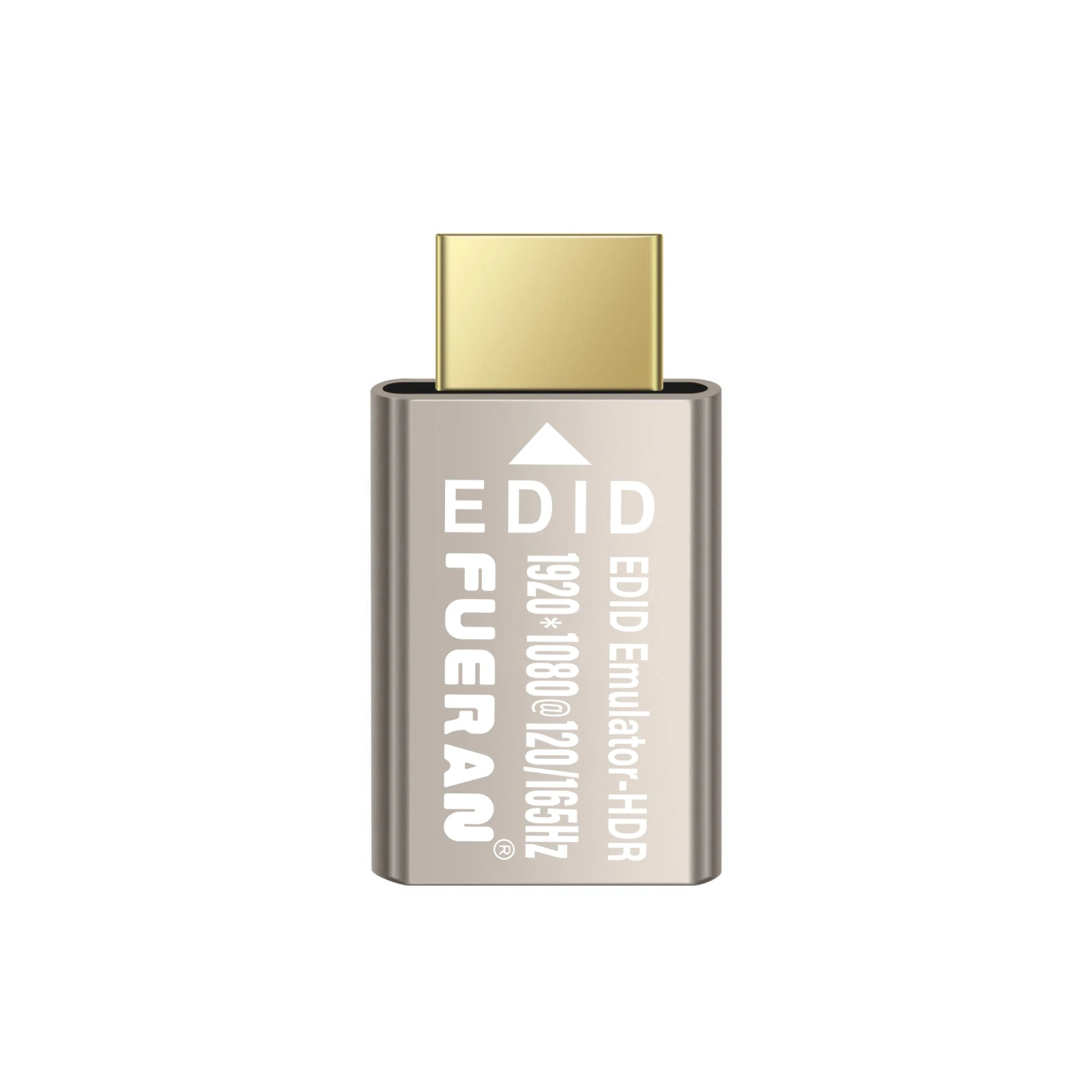
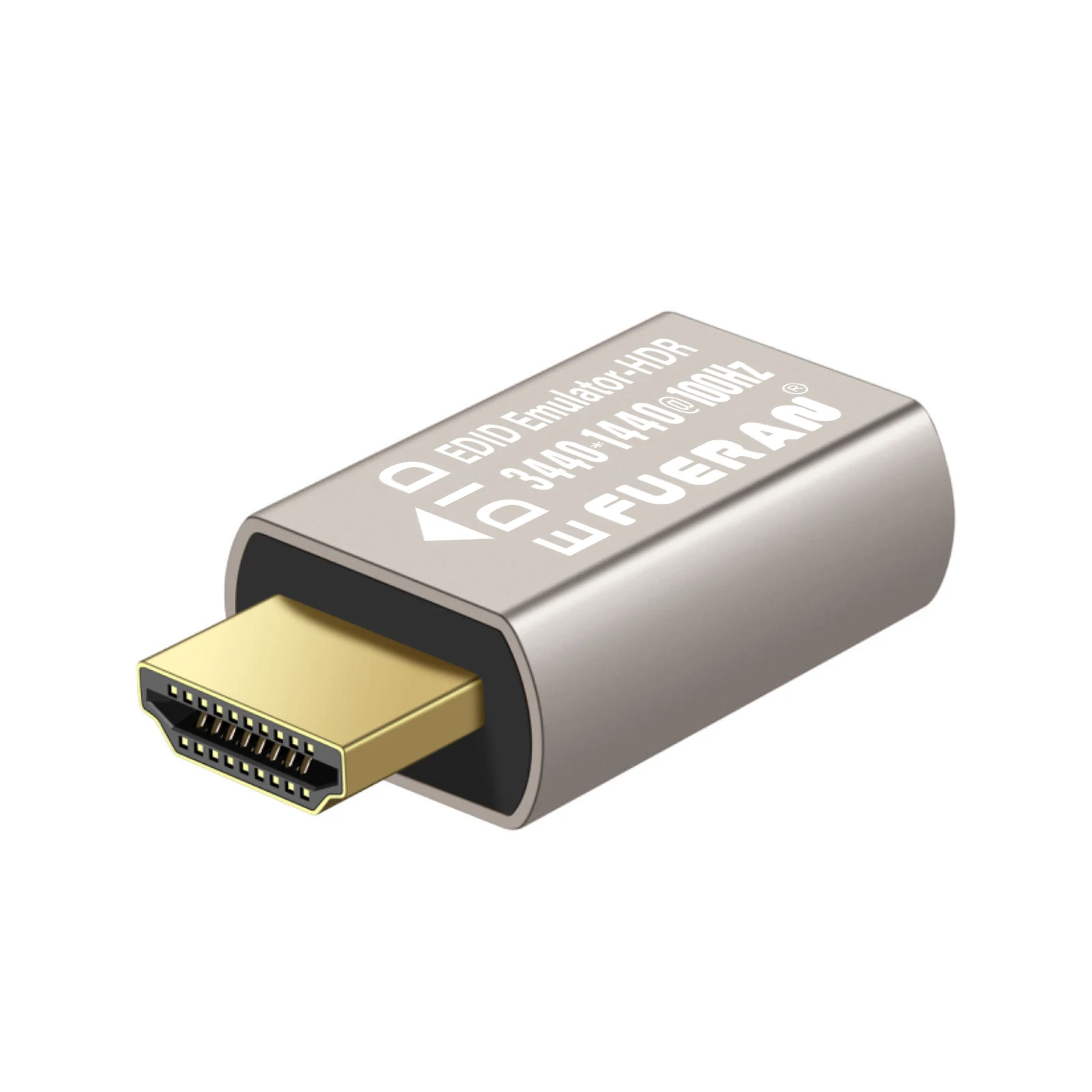
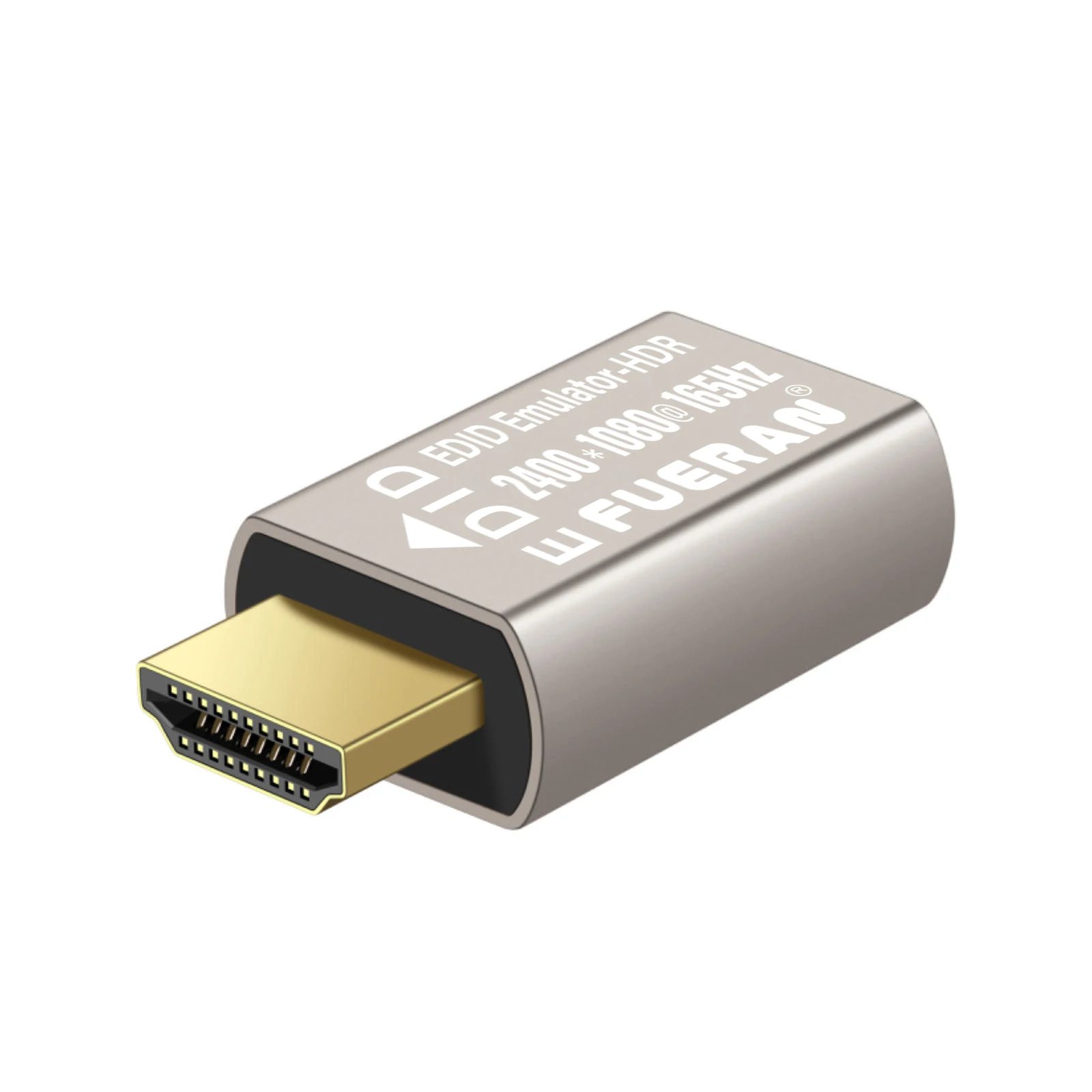
2388X1440-144hz—2732X2048-90Hz—3440×1440-100Hz—1920X1080–120-240Hz—2388X1668-120hz—2400×1080-165Hz—3200×1440-120Hz—
Resolution of 4:3–2560X1440–120-144hz—2560X1600-120Hz—1920X1080–120-165Hz



Reviews
There are no reviews yet.